 onlinegames.com.es

Popular Games
Last Played


App For Kids
2 plays
































App For Kids
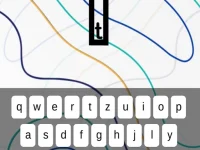
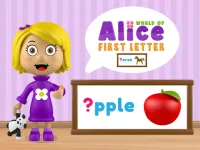
App For Kids brings together learning and fun through simple, engaging activities. Children tap colorful buttons and interact with animated characters to complete mini-games, making it a great choice for families and school settings. The app focuses on early skills like recognizing letters and matching objects, all within a safe and friendly environment.
How To Play App For Kids
From the home screen, choose one of the six available games. Each game offers clear instructions to help your child recognize letters, count, or match different objects. The activities are designed to be straightforward and enjoyable for young players.
Controls and Features
Controls are simple and intuitive. Players use a finger or mouse to tap, click, and drag letters or images as instructed. This Hypercasual Games title requires no complicated keystrokes or gestures, making it easy for kids to start playing right away.
Tips
Take your time when dragging letters to place them correctly. Follow the on-screen prompts and tap the right buttons or images to complete each task. This approach helps children finish activities without feeling rushed or frustrated.
FAQ
What are the controls for App For Kids?
Players simply tap or click and drag with a finger or mouse. The game avoids complex inputs to keep the experience accessible for young children.
What is the main objective of the game?
The goal is to complete mini-games that help children recognize letters and match objects, building foundational learning skills through play.
How many games are included in the app?
The app features six different games on the home screen, each offering a unique activity to engage kids and support early development.
What is the main mechanic for interacting?
The primary mechanic involves tapping or clicking on the screen to interact with elements, using simple drag-and-drop actions as guided by the game.
About this game
- Supported devices
- Desktop
- Genre
- Hypercasual Games
- Release date
- 24 October 2024
- Latest update
- 24 October 2024
- Rating
- No ratings yet