

Popular Games
Last Played


Army Sniper
2 plays










































Army Sniper
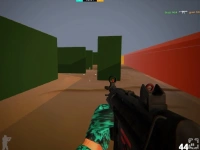
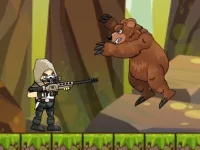
Shooting Games offer endless thrills, but few match the precision and timing of Mobile games. One such game that stands out is Army Sniper, a gripping experience that challenges your skills in every way. With its unique blend of precision and timing, you'll be on the edge of your seat from the start.
How To Play Army Sniper
Players must be patient and attentive as they pick a mission and aim their sniper rifle using the mouse. With single-player only mode and shooting missions, you'll be kept on your toes as you progress through the game.
Controls and Features
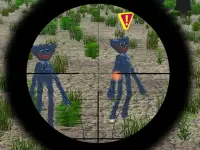
The game's intuitive controls make it easy to get started, with aiming and left-clicking being the core mechanics. Aiming carefully at targets with crosshairs, requiring precision and timing to succeed, is the main mechanic of the game.
Tips
Practice makes perfect, so take your time to improve your aiming skills. Be patient when lining up shots, as awkward controls can lead to missed targets. With enough practice, you'll become a master marksman and take down targets with ease.
FAQ
What are the controls in Army Sniper?
The controls are not explicitly stated in the game's details, so you'll need to explore and figure them out for yourself.
Is Army Sniper a multiplayer game?
No, it's a single-player only game, making it perfect for those who want to focus on their own Mobile gaming skills.
What's the main difference between Army Sniper and other mobile games?
The game's focus on precision and timing sets it apart from other mobile games, requiring players to think strategically and make quick decisions.
Can I play Army Sniper on my mobile device?
Yes, Army Sniper is a mobile game designed for on-the-go play, making it perfect for those who enjoy playing Army themed games on their mobile devices.
About this game
- Supported devices
- Desktop
- Genre
- Shooting Games
- Release date
- 24 October 2024
- Latest update
- 24 October 2024
- Rating
- No ratings yet