

Popular Games
Last Played


Bmw Driving Parking
3 plays


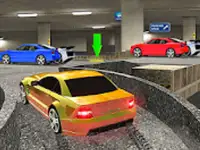

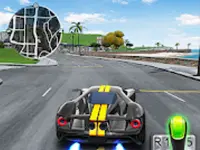
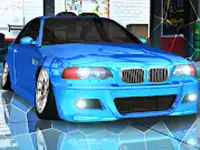











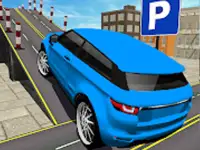

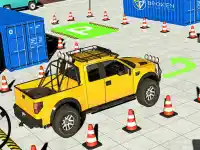









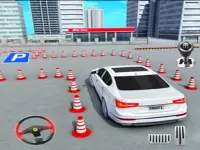








Bmw Driving Parking
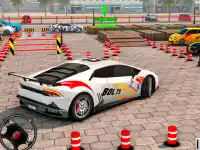
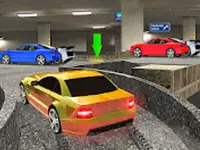
Jump behind the wheel of a BMW in this lively driving simulator that mixes chaos with realism. The physics feel authentic as you drift through streets and attempt precise parking while police patrol the open world. Every turn and slide brings a fresh challenge, keeping the action engaging from start to finish. This Arcade Games title delivers fast fun for players who love car control and high stakes.
How To Play Bmw Driving Parking
Use the arrow keys or WASD to steer and accelerate. The main objective is to master drifting and parking in a lively city with police. Practice smooth turns and learn how to handle the car at different speeds to improve your control and style.
Controls and Features
Steer and accelerate with arrow keys or WASD. Hit the spacebar for a handbrake drift and use shift to switch between modes. The game includes dedicated parking and drifting modes, giving you varied challenges in a realistic open world.
Tips
Keep your speed low when parking to avoid overshooting. Practice the drift mechanic to build better control during tight turns and open world driving.
FAQ
What controls does Bmw Driving Parking use?
You drive with arrow keys or WASD, use the spacebar for the handbrake, and press shift to change between parking and drifting modes.
What is the main goal in this game?
The main goal is to park the BMW accurately and perform smooth drifts while navigating a world that includes police presence.
Does the game offer different modes?
Yes, it features both parking and drifting modes so you can practice specific skills and enjoy varied challenges.
How does the physics feel?
The physics feel chaotic yet realistic, which makes drifting and parking more engaging and rewarding as you improve.
About this game
- Supported devices
- Desktop
- Genre
- Arcade Games
- Release date
- 24 October 2024
- Latest update
- 24 October 2024
- Rating
- No ratings yet