

Popular Games
Last Played


Deathmatch Combat io
2 plays

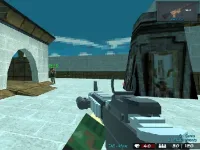
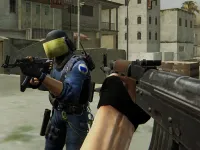



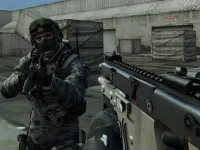









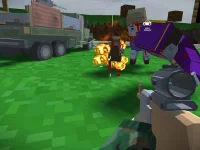



























Deathmatch Combat io
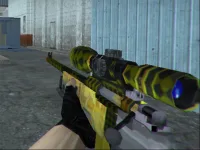
Get ready for the ultimate multiplayer experience with Deathmatch Combat io, a fast-paced online game that's all about eliminating opponents and surviving attacks. With its chaotic multiplayer action and power-ups, you'll be on the edge of your seat as you fight for supremacy. The game offers a range of exciting features, including customizable characters and five unique maps to battle on.
How To Play Deathmatch Combat io
Deathmatch Combat io is all about action and strategy. Choose your mode, customize your character, and join the match to take on opponents in a thrilling game of wits and skill. With its intuitive controls and simple gameplay, anyone can pick up and start playing right away.
Controls and Features
The game features a range of controls and features that make it easy to get started. Use WASD to move, mouse to aim and shoot, spacebar to dash, and shift to sprint. With five maps to choose from, you'll never get bored, and with power-ups like regeneration and shields, you'll have a fighting chance against even the toughest opponents.
Tips
Want to improve your chances of winning? Practice using slow movement to aim better, and collect power-ups like regeneration and shields to survive longer during fights. With these tips, you'll be well on your way to becoming a Deathmatch Combat io champion.
FAQ
What controls are used in Deathmatch Combat io?
WASD for movement, mouse to aim and shoot, spacebar for dash, and shift for sprint.
What is the objective of Deathmatch Combat io?
To eliminate opponents and survive while collecting power-ups.
Are there power-ups in Deathmatch Combat io?
Yes, regeneration and shields are stated features.
What is the main mechanic of Deathmatch Combat io?
Fast-paced shooting and dashing in multiplayer combat.
About this game
- Supported devices
- Desktop
- Genre
- Multiplayer Games
- Release date
- 24 October 2024
- Latest update
- 24 October 2024
- Rating
- No ratings yet