 onlinegames.com.es

Popular Games
Last Played


Pen Art
0 plays
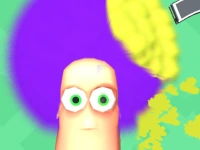

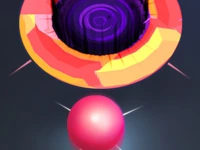



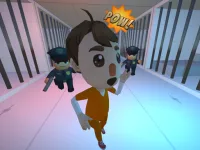


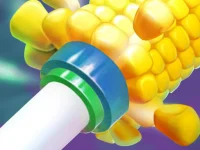





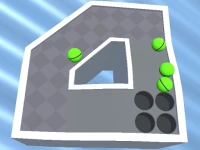





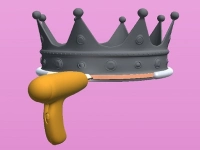












Pen Art
Pen Art offers a fun challenge where you draw lines while dodging obstacles. Tap your screen to guide your sketch through hurdles, earning points as you go. The WebGL powering this hypercasual game keeps the action smooth and fast-paced. It's simple to learn but hard to master as your hand slips unpredictably.
How To Play Pen Art
Start by tapping the screen to begin drawing. Keep tapping to move your line through obstacles. The goal is to collect points while avoiding hurdles. The game's addictive nature comes from its simple yet skillful mechanics.
Controls and Features
Use your mouse or finger to tap the screen, making your line move smoothly. The html5 game's physics feel realistic, adding to the challenge. Your main task is to survive by avoiding hurdles with precise taps. The hypercasual games design makes it perfect for quick, engaging sessions.
Tips
Stay focused on hurdles and move slowly to avoid mistakes. Keep your line steady to prevent collisions. Practice helps you anticipate obstacles better.
FAQ
How do you control the drawing in Pen Art?
Tap the screen with your mouse or finger to move your line. Each tap adjusts the direction of your drawing.
Can you pause Pen Art to take a break?
The game does not mention a pause feature, so focus on short, intense sessions.
What makes Pen Art different from other drawing games?
Pen Art combines drawing with obstacle avoidance, creating a unique and unpredictable challenge.
Is Pen Art suitable for kids?
Yes, the simple controls and colorful design make it accessible for all ages.
```Get Ready for a Fun Challenge with Pen Art
Pen Art is a thrilling hypercasual game that puts your drawing skills to the test. Tap your screen to guide your sketch through obstacles, collecting points as you go. The effect adds a touch of realism to the game, making it even more immersive. With as your tool, you'll need to stay focused to avoid hurdles and earn rewards. watercolor pen
About this game
- Supported devices
- Desktop
- Genre
- Hypercasual Games
- Release date
- 24 October 2024
- Latest update
- 24 October 2024
- Rating
- No ratings yet