

Popular Games
Last Played


Sports MiniBattles
3 plays


































Sports MiniBattles
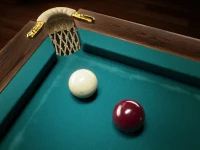
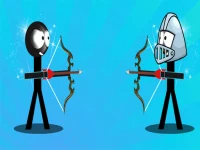
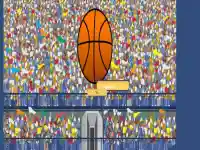
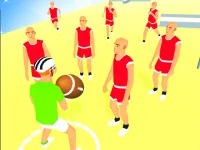
Looking for a fast-paced game that combines quick reflexes and chaotic fun? Sports MiniBattles delivers exactly that. This hypercasual title puts you in the middle of intense 2D arcade matches where scoring points is the name of the game. The unpredictable physics and occasional control quirks add to the excitement, making every round feel fresh and unpredictable.
How To Play Sports MiniBattles
Pick your favorite sport and go head-to-head with an opponent. The goal is simple: score five points before your rival does. The game rewards quick reactions and smart positioning, so timing your shots is key to victory.
Controls and Features
Movement is handled with arrow keys or WASD, while the spacebar lets you shoot or pass. The match runs until one player reaches five points, keeping the action short and fast. The split controls can be tricky, so practice is helpful to master them.
Tips
Move slowly to aim accurately and focus on making clean shots. Outscoring your opponent is the best way to win, so stay sharp and capitalize on every opportunity.
FAQ
How do I play Sports MiniBattles?
You pick a sport and race to five points by outscoring your opponent using the arrow keys or WASD to move and spacebar to shoot or pass.
What makes Sports MiniBattles unique?
The game stands out with its sports games twist, featuring unusual physics and split controls that create a chaotic but fun experience.
Can I adjust the controls in Sports MiniBattles?
The controls are set to arrow keys or WASD for movement and spacebar for shooting or passing, with no customization options mentioned.
Is there a time limit in Sports MiniBattles?
There is no timer mentioned, so matches continue until one player reaches five points.
```About this game
- Supported devices
- Desktop
- Genre
- Sports Games
- Release date
- 24 October 2024
- Latest update
- 24 October 2024
- Rating
- No ratings yet